Can you earn rewards points while getting paid?
Most businesses only earn points on what they spend. With B2Bpay you can also earn Qantas Points when your customers pay your invoices by card.
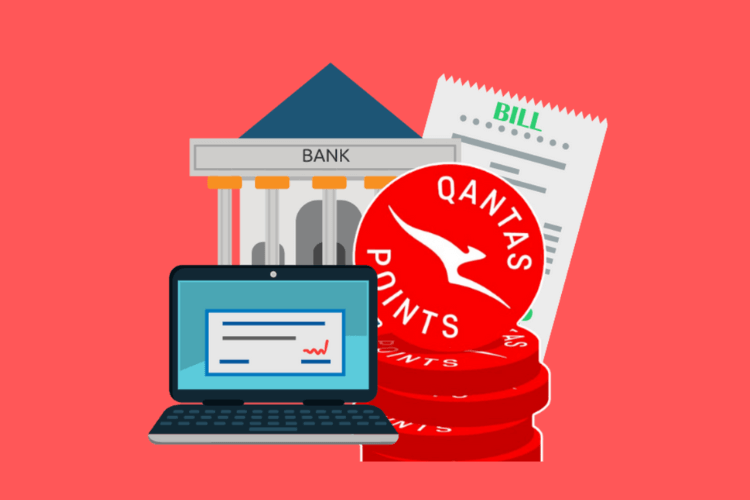
Short answer: Yes. Register with B2Bpay as a biller and add the B2Bpay payment link to your invoices. When customers pay you by Visa or Mastercard through B2Bpay, you earn Qantas Points on what you receive, on top of the points you already earn on business spending.
Many small business owners only earn rewards points on what they spend. After all, most business points come from spending on a credit card. B2Bpay adds another way to earn: getting paid by your customers. More points means more rewards and more opportunities to treat yourself.
Earning points on spending, and on getting paid
Usually you earn points through your bank or card provider by putting business spending on a rewards card, for example a business rewards card from American Express, NAB or another provider. Rates vary by card: when this article was first published, the American Express Qantas Business Rewards Card offered 1.25 Qantas Points per $1 spent.
B2Bpay goes further on the spending side, with extra Qantas Points when you pay through the platform. The original version of this article quoted 1 Qantas Point for every $7 paid to the ATO and 1 point for every $10 paid to billers. Today you choose a plan, Earn Plus or Earn Max, and earn B2B Points that convert 1:1 to Qantas Points; see B2B Points. Rates at time of publishing (2023). See current rates.
None of that rewards you for getting paid. Billing with B2Bpay does:
| When customers pay you through B2Bpay | What you earn |
|---|---|
| Your first $10,000 received | 10,000 bonus Qantas Points |
| Every payment by Visa or Mastercard | 1 Qantas Point for every $20 paid to you |
How it works
 Invoice your customerInclude the B2Bpay payment details on your invoice, from within Xero, MYOB, QuickBooks or other accounting software.
 Customer pays via B2BpayYour customer pays using their nominated card.


 Funds sent to youFunds are transferred to you by EFT or BPAY within 3 business days, and you earn Qantas Points on Visa and Mastercard payments.
Setting up as a biller
Getting started is simple. Register for a B2Bpay account, and make sure you register as a biller so you earn points for getting paid. You can start from accept card payments, and once your account is active you log in to Receiving Payments.
Then connect your accounting software from the Profile tab: click the name of the software you use (MYOB, QuickBooks or Xero) and sign in with your normal credentials. The Xero, MYOB and QuickBooks FAQs walk through it if you need more help.
1. Invoice your customer
Run your business as usual, but include your B2Bpay payment information on your invoices. Because B2Bpay integrates with Xero, MYOB and QuickBooks, your billing stays in one place and your invoices stay organised.
2. The customer pays you
Your customer pays with their preferred payment method through the secure B2Bpay payment system, which accepts Visa, Mastercard, American Express and bank transfer.
3. You receive the funds and the points
B2Bpay acts as the third party in the transaction and transfers the funds to you by EFT or BPAY within three business days. Alongside the payment you receive 1 Qantas Point for every $20 paid to you by Visa or Mastercard, plus 10,000 bonus points on the first $10,000 your customers pay you through B2Bpay.
Reward your customers with the Bonus Biller program
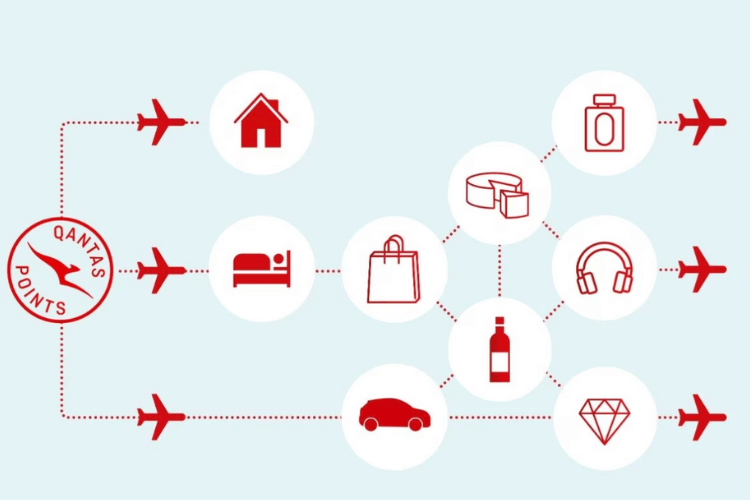
Upgrade to the B2Bpay Bonus Biller program and you can also offer your customers a ready-made loyalty program. On top of the points you earn, your customers earn Qantas Points for paying you:
Bonus Biller points give customers a reason to keep paying you through B2Bpay, while you keep earning points for your own business.
Receiving payments with B2Bpay means more than points
Billers also get the convenience of the platform:
- Save your own time. Everything is in one place: no cross-checking bank statements, no storing credit card details and no searching for invoices.
- Save your customers' time. 82% of businesses find it faster to pay by debit or credit card.
- Chase fewer payments. Payment chasing drops by 61%, leaving more time to grow the business.
- Improve cash flow. 73% of businesses, across a variety of industries, report better cash flow.
- Keep costs clear. The original article listed no setup fees, no monthly charges and no fees for failed payments. A fee does apply to each payment you receive, which you can absorb or show to your customer; see pricing for receiving payments.
- Stay secure. You avoid the compliance issues of handling your customers' credit card information, because B2Bpay takes the card payment on its secure page.
B2Bpay is also easy to put in place. You do not need to change your IT or banking systems, it works with QuickBooks, MYOB and Xero, and you need no training or merchant facilities: the B2Bpay team sets it up for you, so you can get on with running your business.
Maximise your points with the bank accelerator
B2Bpay boosts your points in three ways: every time you pay, every time you get paid, and through its bank accelerator program.
Most business cards cap the Qantas Points you can earn each month. The bank accelerator lets you keep earning past that cap:
- Register for B2Bpay.
- Pay your business expenses by card as normal until you reach your card's Qantas Points earning cap.
- Pay the rest of the month's business expenses by bank transfer through B2Bpay. When this article was published, that earned 1 Qantas Point for every $3 paid. Rates at time of publishing (2023). See current rates.
To start, link your bank account to B2Bpay by entering your details in the My Wallet section. Today, bank account and PayTo payments earn B2B Points on the Earn Plus and Earn Max plans; current rates are on pricing and how B2B Points work.
Sign up today
Earning points for getting paid, together with the bank accelerator, makes B2Bpay a strong choice for small business owners who want their existing payments to earn rewards. Run your business as usual and put the points towards Qantas Classic Reward flights, seat upgrades and other perks. A points-earning card alone is not enough when B2Bpay lets you earn on both sides of your payments.
First published by B2Bpay in March 2023. Points rates, bonus offers and statistics are as stated in the original article; the team confirms current fees and any points offer for receiving payments on 1300 205 575. Qantas Business Rewards membership is required to earn Qantas Points for business.
Frequently asked questions
Can I earn Qantas Points for getting paid?
Yes. Register as a B2Bpay biller and add the payment link to your invoices. As stated in this article, you earn 1 Qantas Point for every $20 your customers pay you by Visa or Mastercard through B2Bpay, plus 10,000 bonus points on the first $10,000 received. The team confirms the current offer.
How quickly do I receive the funds?
B2Bpay transfers funds to you by EFT or BPAY within 3 business days of your customer paying.
Do I need to change my accounting software?
No. B2Bpay connects to Xero, MYOB and QuickBooks from the Profile tab using your normal sign-in, and you can add the payment link to any invoice template.
What is a Bonus Biller?
A biller that offers its customers extra Qantas Points for paying through B2Bpay: Silver (1 point per $1.50), Gold (2 points per $1.50) or Black (3 points per $1.50, plus promotion as a Bonus Biller).
Get paid faster and earn points
Add a B2Bpay payment link to your invoices. Funds arrive by EFT within 3 business days.