Partner Program Resource Centre: Xero, MYOB and QuickBooks
Helpful material for connecting your clients’ accounting software with B2Bpay: step-by-step videos and integration FAQs for Xero, MYOB and QuickBooks.
In short: B2Bpay connects with Xero, MYOB and QuickBooks. The short videos below show how to connect each one, so your clients can add a payment link to their invoices and pay their bills in B2Bpay. Share them with clients who use these accounting packages.
 B2Bpay and Xero
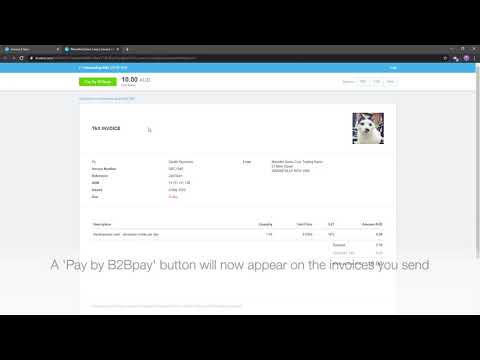
How to connect Xero to receive credit card payments
How to connect to Xero in B2Bpay to get a 'Pay with B2Bpay' button on your invoices.
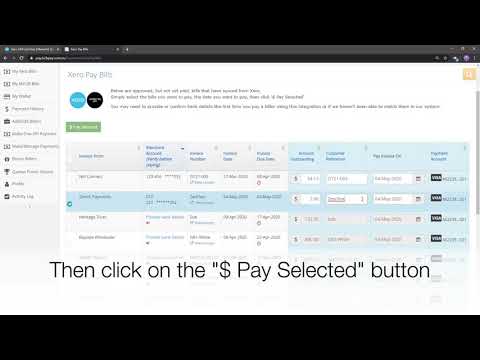
How to pay your Xero bills in B2Bpay
How to pay your Xero bills in the B2Bpay platform.
Frequently asked questions: answers to common questions about using Xero with the B2Bpay platform.
Xero integration FAQs B2Bpay and MYOB
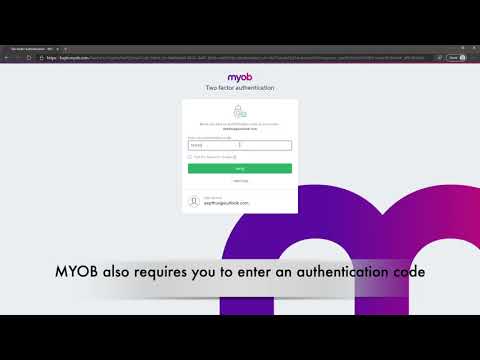
How to connect MYOB to receive payments online
How to connect MYOB to B2Bpay so you can receive credit card payments online from your MYOB invoices.
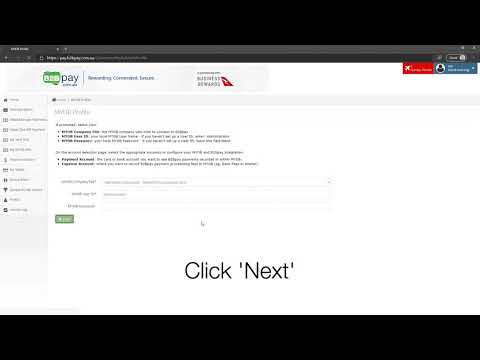
How to connect MYOB as a B2Bpay customer
A short video showing how to connect your B2Bpay account with MYOB.
Frequently asked questions: answers to common questions about using MYOB with the B2Bpay platform.
MYOB integration FAQs B2Bpay and QuickBooks
Making payments with QuickBooks and B2Bpay
Pay all of your QuickBooks bills in B2Bpay. Make credit card payments, even if your supplier doesn't accept cards, and earn full points on ATO and government spend.
How to connect QuickBooks to B2Bpay to receive card payments
How to connect your B2Bpay and QuickBooks accounts so you can add a 'Pay Now' link to your QuickBooks invoices.
Frequently asked questions: answers to common questions about using QuickBooks with the B2Bpay platform.
QuickBooks integration FAQsWant flyers, email templates or social tiles to send with these videos? See the marketing material in the Partner Program Resource Centre.
Need help with an integration?
The Australian-based B2Bpay team can walk you or your clients through connecting accounting software.